
Disclaimer: This feature is only available to customers who are enrolled in the MRC+ subscription.
Note: Not all MyRadCare user will have access to submit a Dose Assignment. If you do not have access please contact your MyRadCare Admin or RDC.
- Log into your MyRadCare portal
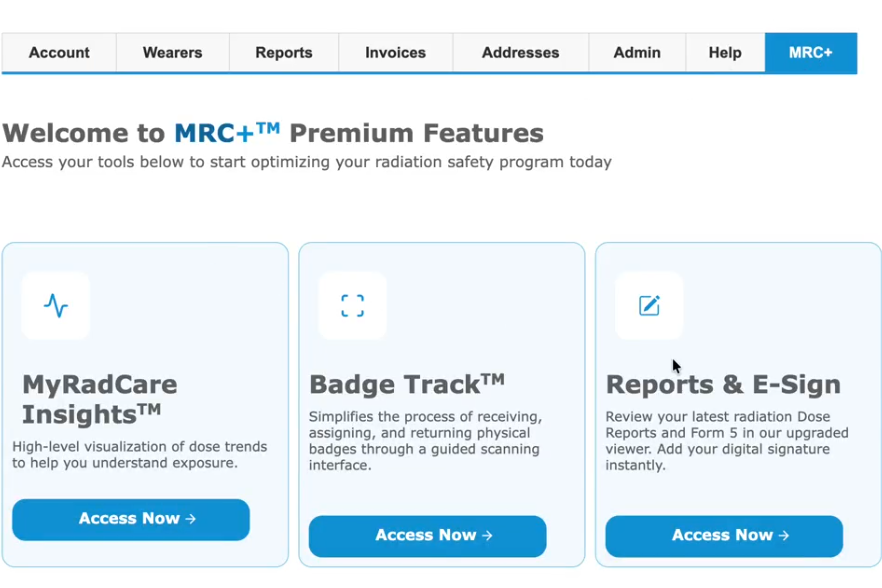
- Navigate to the MRC+ tab
- Click on the MRC Insights tile.
- Update filters to see data
Callouts/Key:
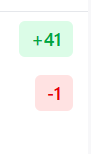
- The numbers highlighted in green with + and the number hightlighted red with a - represent the period over period increase (green +) or decrease (red -)
- Information bubble are available on certain tiles. Simply hover over the information bubble and a description of the tile will appear
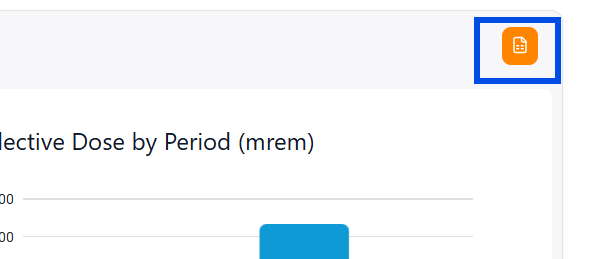
- Data can be exported into a CSV file by clicking the orange spreadsheet.

Overview Tab
- Review dosimeters and wearers reported
- Dosimeter Breakdown - Breakdown of dosimeter type (body vs extremity) and Specific Type (regular body, fetal and control)
- Dose Overview - Average and collective dose trends by quarter
Benefits:
- Identify growth and contraction in program
Dose Dashboard
- Detailed breakdown of doses
- Review top 10 highest and lowest dose readings
- Review the dose distributions quarter over quarter
Benefits:
-
Easily spot dose trends
- Find dose outliers
ALARA History
- ALARA Level 1 and Level 2 exceedances
- Historical ALARA trends
- Lists of specific wearers exceeding thresholds
- “Top 10” views showing increases or decreases in dose for wearers
Benefits:
- Locate exceedance quickly
Program Compliance
- Unreturned and late dosimeters
- Historical return trends
- Group-level compliance comparisons
Benefits:
- Identify chronic compliance issues proactively
- Support conversations around cost savings by improving their return compliance
- Partner with wearers on improving return rates
Fetal Monitoring
- Declared pregnant wearer list
- Percent through pregnancy tracking
- Fetal dose, ALARA, and monthly limit indicators
Benefits:
- Reinforce sensitivity and compliance importance
- Monitor progress without manual tracking
- Help identify fetal dosimeters that should not be active anymore. For example, if a fetal badge has been active for 10 months, it’s a way to identify quickly which fetal badges should be deactivated.
Dose Assignments
- Quickly submit your dose assignments for wearers with a missing or lost badge
Benefit:
-
No need to complete a form. Simply enter in the dose assignment
- Full audit trail of every dose assignment request, including who submitted it, when, and what values were used
- Faster resolution of missing-dosimeter scenarios, keeping dose reports on track