
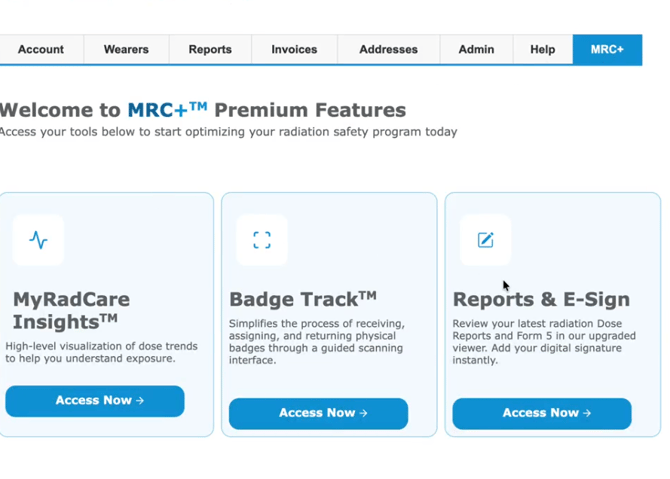
You can access your MRC+ tools and feature through your MyRadCare portal. Once signed in simply click on the MRC+ tab at the top of the page. Once the tab is selected you will be presented with a list of features:
- MyRadCare Insights
- Dose Assignment is available within the MyRadCare Insights
- Reports and E-Signature
- BadgeTrack
Not yet enrolled in MRC+?
Contact RDC for more information.