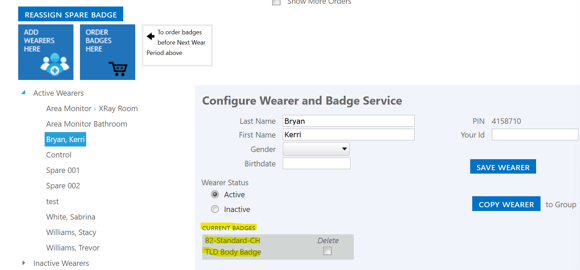
- Click on the group name the exist stingstisting wearer currently has a badge in
- Select the name of the wearer from the 'Active Wearers' list
- Their current badge type will appear under 'Current Badges'
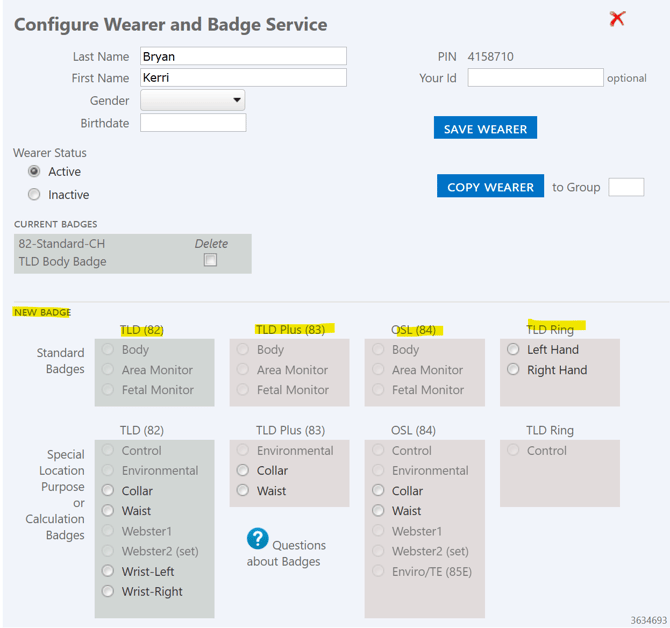
- Choose the appropriate badge type from this list of badges under the 'New Badge' section. The Ring badge option will be listed on the right hand side under the 'TLD Ring or ORA Ring section'. Choose the option for a Left hand or Right hand ring.
- Once the badge type is selected, click the blue 'Save Wearer' button
English