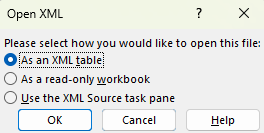
To open the reports as a text file you will need to do the following:
- Locate report in MyRadCare
- Click the XML on the bottom right corner when the report is opened
- Once it downloads you will need to go to excel and "open" the download through excel.
- Open Excel
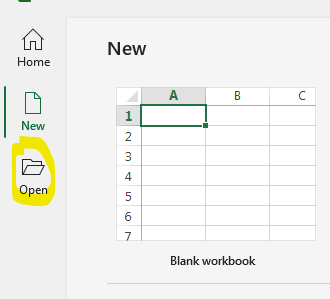
- Click Open
- Browse for downloaded XML file and double click on file when found

- Chose format